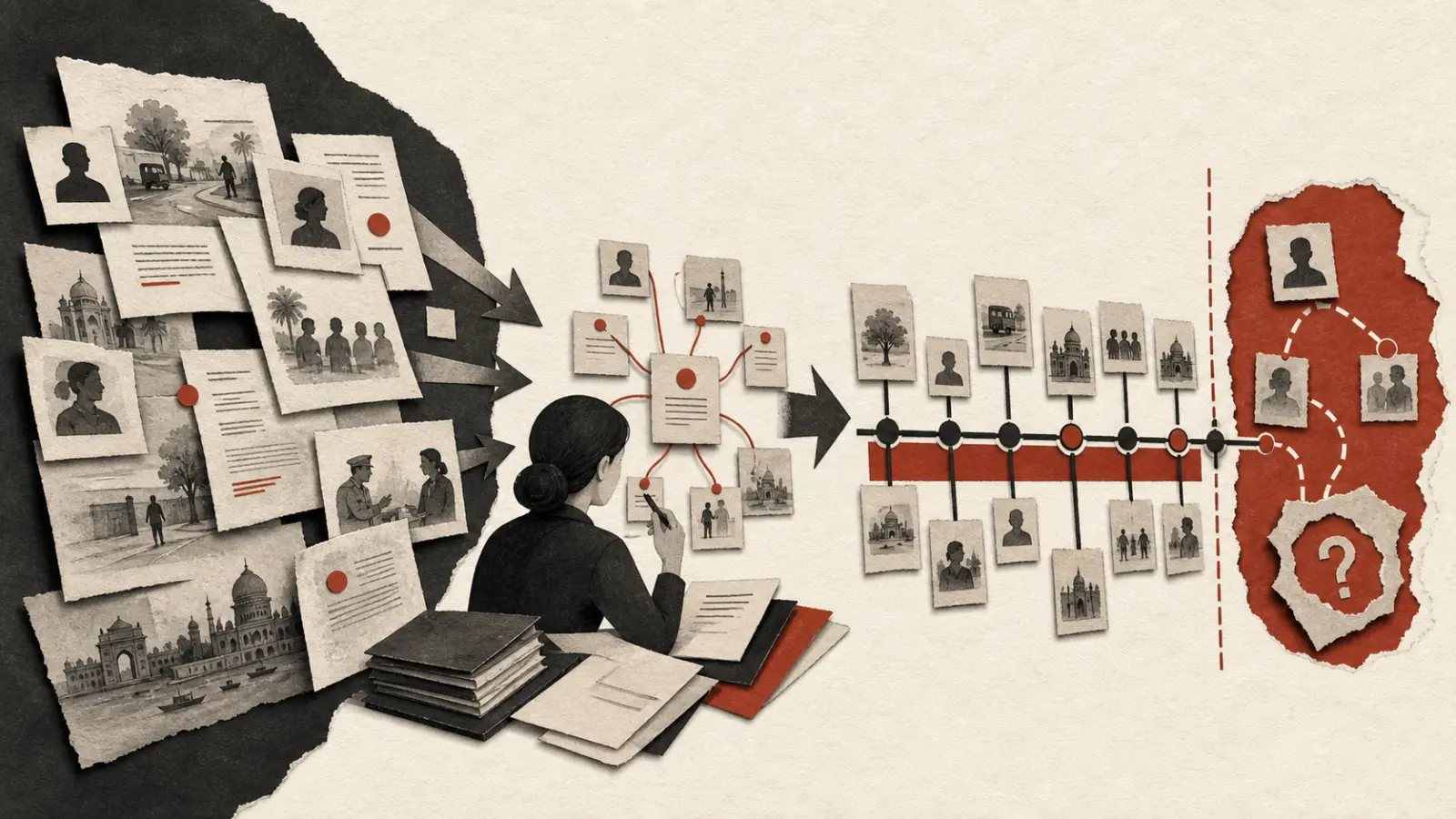
A docketing system should never pretend that a date appeared by magic. For every legal deadline, it should preserve the triggering event, source document, rule or order considered, counsel's assumptions, calculation, reviewer, calendar entries, and later changes. That record matters as much as the reminder itself.
This article describes an operational workflow, not a method for calculating limitation. The Limitation Act, 1963, court-specific rules, special statutes, orders, and current directions may interact. Only qualified counsel with the complete facts can decide what applies.
What information should open every deadline record?
Open the record when a potentially time-sensitive event arrives, even if counsel has not finished the calculation. Label the first state “potential deadline under review.” This prevents an unread notice, order, or service email from waiting outside the system.
| Field | Example of evidence | Control question |
|---|---|---|
| Trigger event | Order, service record, notice, filing, instruction | Is the event captured in its original form? |
| Event date and time | Document metadata plus verified receipt record | Is the time zone relevant and recorded? |
| Matter and forum | Approved matter record | Is this linked to the correct proceeding? |
| Potential obligation | Neutral description pending counsel review | Have we avoided assuming the result? |
| Assigned counsel | Named lawyer | Who determines legal effect? |
| Operations owner | Named docketing team member | Who follows the workflow? |
| Status | Under review, verified, superseded, completed | Can anyone see the current state? |
Keep the source file immutable. If a clearer copy later arrives, add it as another source rather than replacing the first. Link the event to an evidence-based litigation chronology so dates used in pleadings, reporting, and docketing can be reconciled.
Who should calculate and who should verify a legal deadline?
Counsel should own the legal determination. An operations professional can collect sources, populate fields, run approved arithmetic, and manage reminders, but should not silently decide applicability, exclusions, condonation, or the legal effect of service. Use a two-person control for material deadlines: a calculating lawyer and an independent reviewing lawyer, supported by docketing staff.
The calculation record should state:
- the triggering fact and source document;
- every legal source counsel considered;
- the relevant provision, rule, order, or direction;
- assumptions about service, knowledge, holidays, exclusions, and time zones;
- the arithmetic or sequence used;
- the resulting date and any earlier internal target;
- the names and timestamps of calculator and reviewer; and
- unresolved issues, protective steps, or escalation decisions.
For Supreme Court matters, consult the current Supreme Court Rules page, amendments, circulars, and matter-specific orders. For another forum, use its official materials. A citation in an old internal memo is a lead, not proof that the same rule remains current.
How should one deadline become several calendar controls?
Create separate fields for the legal deadline and internal milestones. Never move the legal date earlier to create a safety margin because that destroys the record. Instead, keep the counsel-verified legal date intact and add drafting, evidence, approval, production, and submission targets.
| Calendar item | Owner | Purpose |
|---|---|---|
| Counsel-verified deadline | Responsible counsel | Preserves the legal determination |
| Draft complete | Drafting owner | Creates review time |
| Evidence and annexures ready | Matter team | Prevents last-minute assembly |
| Substantive approval | Supervising counsel | Freezes the approved position |
| Production complete | Filing operations | Allows technical quality control |
| Planned submission | Authorised filer | Provides operational buffer |
| Status monitoring | Named owner | Tracks scrutiny, defects, or listing |
Use at least two controlled views for critical dates, such as the matter workspace and a central docket. Reconciliation should be automatic where possible, but ownership still matters. Personal calendars can receive reminders; they should not be the sole authoritative record.
Connect each filing milestone to the court filing readiness checklist. A deadline system that stops at “submit by Friday” misses the document, approval, and portal dependencies that determine whether Friday is realistic.
What reminder and escalation pattern works in practice?
Reminder timing should reflect risk, not a universal sequence. A short procedural response and a document-heavy appeal need different lead times. Configure a matter-specific pattern when the record is verified, then require acknowledgement for material reminders.
A practical escalation ladder has four stages:
- Routine reminder to the task owner with the current status and source link.
- Acknowledgement request when the internal milestone approaches.
- Escalation to supervising counsel and the docketing owner if status is missing or blocked.
- Immediate exception escalation when new facts may change the date or timely completion is at risk.
Avoid flooding people with identical notifications. A good alert says what changed, what is due, which source supports it, who owns the next action, and when escalation occurs. “Deadline soon” forces the recipient to reconstruct the entire matter.
Gotham's legal workflows can help teams evaluate linked tasks, documents, and approvals. Any implementation still needs organisation-specific roles, permissions, business-continuity arrangements, and counsel oversight.
How should court holidays and portal availability be handled?
Do not let software infer the legal effect of a holiday or outage without counsel review. Store the official calendar or notification counsel used, its jurisdiction, and access date. A generic public calendar may omit local holidays, vacations, working Saturdays, special sittings, or forum-specific arrangements.
Operational continuity is a separate control. Before a filing day, identify the submission channel, authorised account, payment method, connectivity backup, permitted physical or alternate route, and escalation contacts. The official eCourts eFiling portal and eCourts Services should be checked within their scope. Preserve exact outage messages and timestamps, then place any legal response before counsel.
Never assume that a screenshot of an error changes a deadline. It is evidence for counsel to assess alongside current rules, directions, and available alternatives.
What happens when a new order or event changes the date?
Deadline changes must be additive and reviewable. Do not overwrite the old date. Create a new version showing the new trigger, counsel's reasoning, approval, and effect on related milestones. Mark the former date “superseded,” not deleted, and retain its reminders and history.
Run a change-impact checklist:
- Has counsel confirmed whether the event changes the legal deadline?
- Is the new source preserved and linked?
- Have both calculating and reviewing lawyers approved the revision?
- Are dependent drafting, approval, filing, service, and reporting tasks updated?
- Have owners acknowledged material changes?
- Are external commitments or client reports corrected?
- Does the old date remain visible in the audit trail?
This is especially important when a court grants time orally and a written order follows. Record what was observed, but let counsel decide which source controls and whether any protective action is needed.
How should completed and missed tasks be closed?
Completion requires evidence. For a filing, preserve the final file manifest, submission record, acknowledgement, exact portal status, and any scrutiny or resubmission trail. For service, save the approved proof. For an internal drafting milestone, record who accepted the deliverable and which version was accepted.
If a deadline is at risk or may have been missed, stop routine closure. Escalate immediately under the firm's incident protocol, preserve sources and logs, restrict speculative commentary, and place legal assessment and client communication with authorised counsel. The objective is a prompt, accurate response, not a retrospective attempt to make the dashboard green.
Review near misses without turning the exercise into blame. Ask whether intake was delayed, ownership unclear, the source missing, the calculation unreviewed, reminders ignored, or a system unavailable. Then assign a preventive control with an owner and review date.
How can a firm audit its docketing workflow?
Sample records across offices, forums, and matter types. Test whether each date traces to a source and counsel approval, whether changes remain visible, whether reminder acknowledgements exist, and whether completion is supported by evidence. Include restored backups and out-of-hours escalation in the audit, not just tidy active matters.
| Audit test | Strong evidence | Warning sign |
|---|---|---|
| Source traceability | Original event and official source linked | Date entered without source |
| Independent review | Named reviewer and timestamp | Initials with no version |
| Calendar consistency | Reconciled authoritative views | Personal calendar is primary |
| Change control | Superseded dates retained | Old date overwritten |
| Escalation | Acknowledged, timed record | Reliance on informal messages |
| Completion | Receipt or authoritative status | Task manually marked done |
Use the matter management checklist for litigation to connect dates with owners, documents, budgets, and client reporting. Teams can also review Gotham's practice solutions, examine its security approach, or talk to Gotham about a source-linked deadline workflow.
What should the team implement first?
Begin with one high-risk matter type and map its intake-to-closure path. Define roles, mandatory fields, approval states, and escalation rules. Import only dates that have a source and an owner. Run a tabletop exercise involving a late-night order, an unavailable reviewer, and a portal interruption.
The strongest docketing workflow is intentionally modest about what software can decide. It gives counsel better evidence, makes responsibility visible, and creates enough operational margin to act. It never substitutes a reminder engine for legal judgment.