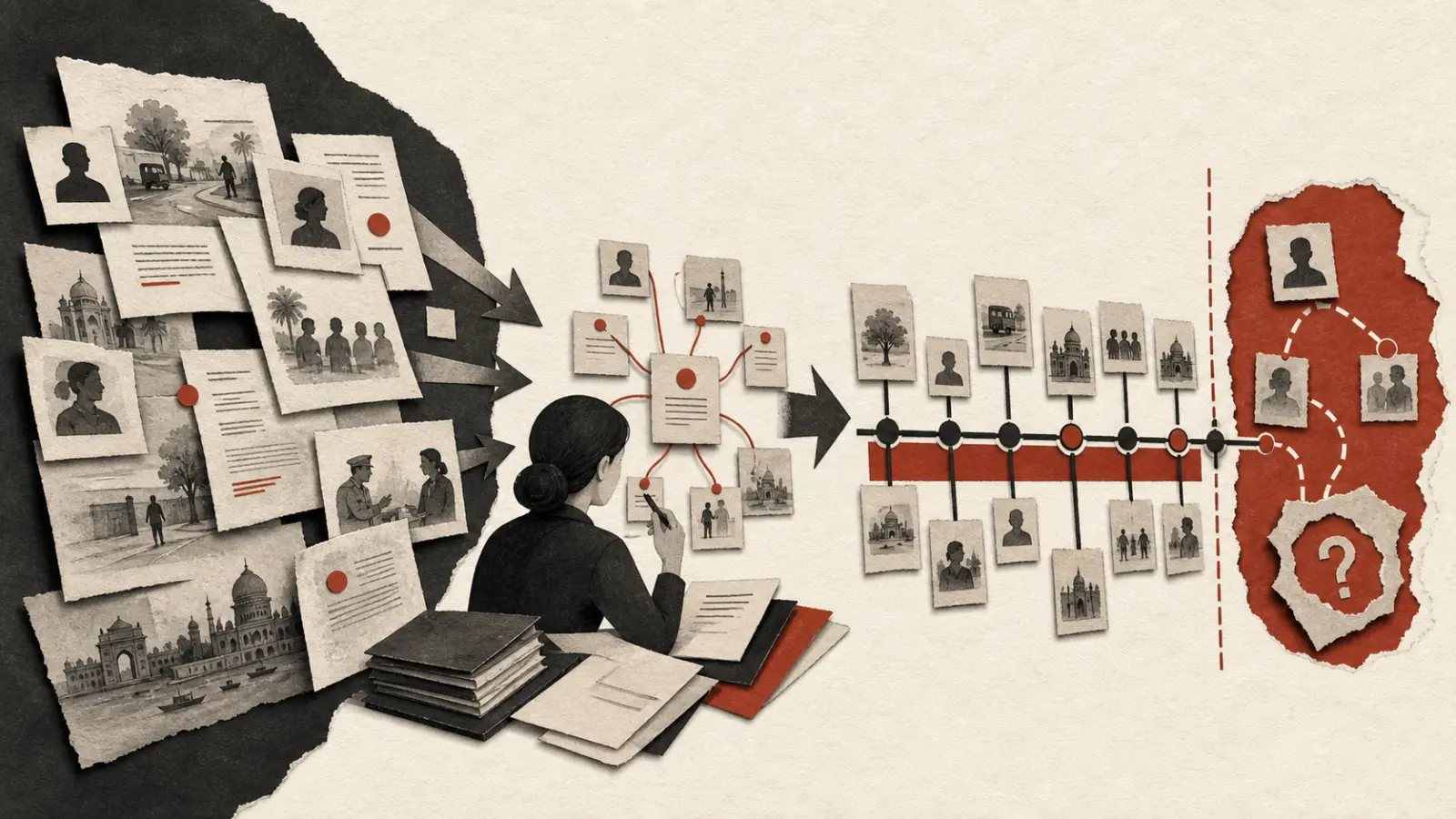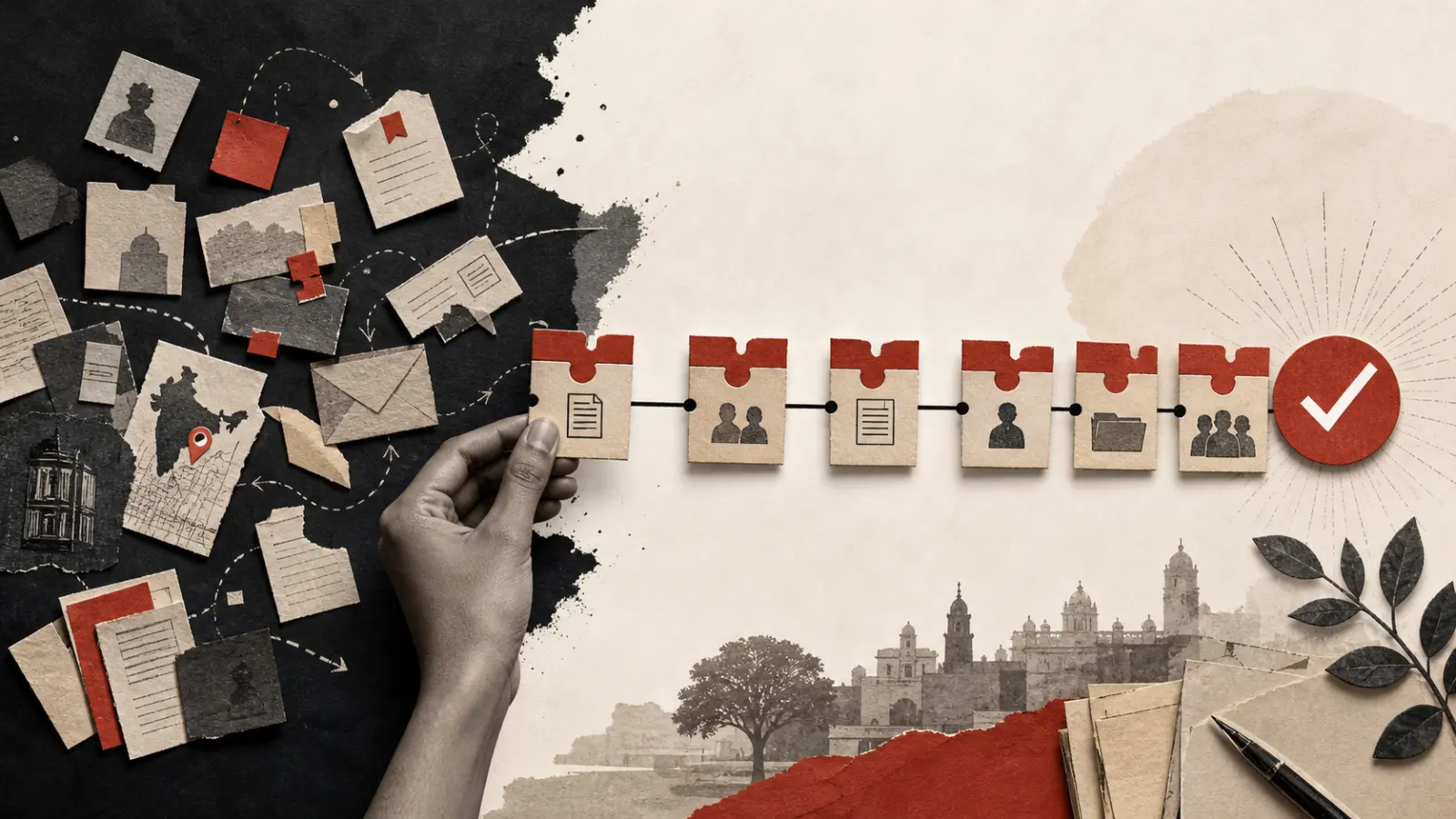
This litigation chronology software buyer's guide explains how to evaluate tools that convert pleadings, correspondence, orders, contracts, messages, and evidence into a dated sequence linked to the underlying record. The timeline itself is only part of the value. A useful product shows where each entry came from, separates facts from interpretation, exposes gaps and conflicts, and gives every reviewer a shared map of the matter.
This article owns category-evaluation intent. Teams assessing Gotham specifically can review the Gotham litigation chronology solution; practitioners who need a drafting template should use the case chronology guide.
These systems do not replace legal judgment. They reduce the clerical work involved in finding dates, normalising references, connecting events to documents, and revising a timeline as the record changes. Lawyers still decide what an event means, whether it is admissible or relevant, and how it affects the case theory.
What is litigation chronology software?
Litigation chronology software is a workspace for extracting, organising, reviewing, and presenting time-based facts from matter documents. It should allow a team to move from a date in a source record to a structured event and back again without losing context.
A chronology entry commonly contains:
- an event date and, where needed, a separate document date;
- a neutral event summary;
- the people, organisations, issues, and documents involved;
- a pinpoint source reference, such as a page, paragraph, exhibit, or message;
- a confidence or review state;
- annotations clearly distinguished from source facts; and
- links to related events, disputed propositions, or procedural milestones.
That structure matters because a litigation timeline is a working legal artifact, not a decorative graphic. It may inform witness preparation, pleadings, submissions, disclosure strategy, internal reporting, and hearing bundles. The team must be able to inspect how each entry was produced.
Why do document-heavy matters need a structured chronology?
Dates appear in many forms and rarely arrive in order. A letter may describe an earlier meeting. An affidavit may refer to an agreement executed months before it was filed. A later email can clarify who received a notice, while an order may change the procedural significance of everything that follows.
Spreadsheets can work for small records, but they become fragile as several reviewers edit summaries, use different naming conventions, or cite different versions of the same file. The recurring problems are familiar:
- duplicate events described differently;
- missing links between an assertion and its source;
- confusion between the date of an event and the date of a document;
- inconsistent time zones or ambiguous date formats;
- commentary presented as though it were a fact;
- stale entries after a new production or corrected pleading; and
- limited visibility into who reviewed or changed an entry.
A structured workflow brings these issues into view. It also makes handoffs easier between associates, partners, external counsel, clients, experts, and legal operations teams.
What should a reliable chronology workflow look like?
A defensible process is more important than automatic extraction. The following workflow keeps the original record at the centre.
1. Define scope before extracting events
Start with the question the chronology must answer. A procedural timeline, a transaction history, and a witness-specific chronology need different fields and inclusion rules. Record the relevant period, sources, issues, jurisdictions, reviewers, and output format.
Create a matter vocabulary for party names, document types, issues, and date conventions. Otherwise, “ABC Ltd,” “ABC,” and “the claimant” may split across filters even when they refer to the same party.
2. Preserve and inventory source material
Keep the source set stable enough to review. Assign document identifiers, retain originals, identify duplicates, and track superseded versions. For electronic records, preserve available metadata according to the team’s evidence and retention protocol.
Indian legal teams should treat evidentiary questions separately from software convenience. The Bharatiya Sakshya Adhiniyam, 2023 recognises electronic or digital records and addresses admissibility of electronic records, including conditions in section 63. The applicable requirements should be assessed by counsel for the actual record and proceeding.
3. Extract candidate events with citations
Whether events are captured manually or with software assistance, require a source link for every factual entry. Store the source language or a short excerpt where permitted, but write the event summary neutrally. If the source reports an allegation rather than establishing a fact, label it that way.
Treat automatic extraction as a first pass. It can surface dates and entities quickly, but it may confuse execution, effective, filing, receipt, and reference dates. It may also infer a relationship the record does not state.
4. Normalise without erasing ambiguity
Use a consistent display format, while retaining the original date expression. “03/04/2025” is ambiguous without context; “early March” is imprecise; and an email sent near midnight can fall on different dates depending on time zone. A sound data model accommodates exact dates, ranges, approximate dates, and unknown dates.
Do not force an uncertain event into false precision. Mark the ambiguity, identify competing sources, and assign a reviewer.
5. Review, reconcile, and approve
Legal review should test four things: accuracy, relevance, provenance, and characterisation. Compare duplicates, resolve conflicting accounts where the evidence permits, and preserve both accounts where it does not. Use a review status such as candidate, verified, disputed, privileged, or excluded.
The Code of Civil Procedure, 1908 includes provisions concerning discovery, inspection, production, and admission of documents. Procedure varies by forum and matter, so chronology controls should support the legal team’s disclosure and production decisions without presuming them.
6. Analyse and export for the task at hand
Once verified, filter the chronology by witness, issue, party, document type, or period. A partner may need a concise strategic view; an associate may need every cited event; a witness-preparation team may need a person-specific sequence. Generate each view from the same reviewed dataset instead of maintaining disconnected copies.
Which fields belong in a litigation chronology?
| Field | Why it matters | Review question |
|---|---|---|
| Event date | Places the event in sequence | Is it exact, approximate, inferred, or disputed? |
| Document date | Distinguishes the record from the event it describes | Are these two dates being conflated? |
| Neutral summary | Makes the timeline readable | Does it overstate what the source proves? |
| Source citation | Creates traceability | Can a reviewer reach the page or message quickly? |
| Actors and entities | Supports filtering and relationship analysis | Are names normalised without merging distinct entities? |
| Issue tags | Connects facts to the case structure | Are tags consistent and useful? |
| Review status | Shows whether an entry is ready to rely on | Who verified it, and when? |
| Conflict or gap flag | Prevents uncertainty from disappearing | Is follow-up evidence required? |
| Privilege/access label | Limits inappropriate exposure | Does access match the matter protocol? |
Teams can adapt these fields inside a broader litigation discovery and chronology workflow. The timeline needs enough detail for an audit while remaining simple enough to use under deadline.
How should AI-assisted chronology extraction be reviewed?
AI can speed up candidate-event extraction, entity recognition, document classification, and cross-document grouping. It can also be confidently wrong. A name may be attributed to the wrong speaker, a referenced date may be mistaken for an event date, or a conditional statement may become an asserted fact.
Use a human-in-the-loop review pattern:
- Require a citation for every extracted event.
- Let reviewers open the source in context, not just an isolated snippet.
- Display confidence as a triage signal, never as proof.
- Separate extracted facts, model-generated summaries, and lawyer analysis.
- Preserve corrections and reviewer history.
- Re-run review when source documents change.
- Test representative documents before scaling across the matter.
For sensitive records, procurement should also examine access controls, storage, encryption, retention, model-provider routing, and deletion processes. Gotham describes its current controls and data handling posture on the security and compliance page; each organisation should complete its own assessment.
How do you choose litigation timeline software?
Begin with the evidence chain. A polished chart has limited value if reviewers cannot trace an event to a source or distinguish verified facts from machine suggestions.
Use this selection checklist:
- Source fidelity: Does every event retain a stable link to its document location?
- Review controls: Can the team assign, approve, dispute, and revisit entries?
- Flexible dates: Can it represent ranges, uncertainty, and multiple relevant dates?
- Matter structure: Can users filter by issue, witness, entity, and procedural stage?
- Document handling: Does it manage versions, duplicates, OCR text, and common legal formats?
- Auditability: Is there a usable history of edits and approvals?
- Permissions: Can access be limited by workspace, matter, role, or document sensitivity?
- Exports: Can the team produce useful tables or bundles without losing citations?
- Integration: Does it fit existing document and matter workflows?
- Security review: Are relevant technical and contractual materials available for diligence?
Run a pilot on a representative subset. Include clean PDFs, scans, email threads, annexures, inconsistent names, and ambiguous dates. Measure review effort and citation accuracy rather than relying only on extraction volume.
What mistakes weaken a case chronology?
The worst mistakes usually come from the process, not from missing features.
First, teams may treat the chronology as a statement of objective truth. Records can conflict, and pleadings contain allegations. Preserve attribution and uncertainty.
Second, a summary can drift away from its source through repeated rewriting. Keep pinpoint references and review the source in context.
Third, teams may mix privileged strategy with a factual master chronology without clear access boundaries. Separate views and permissions according to the matter protocol.
Fourth, reviewers may chase completeness and lose sight of usability. A timeline containing every trivial timestamp can hide the decisive sequence. Maintain a complete reviewed dataset, then create focused views.
Finally, a chronology can become stale. Define when new productions, orders, interviews, or corrections trigger re-review.
When is a chronology ready to use?
Before a chronology informs a filing, advice, interview, or hearing, confirm that:
- the source universe and cut-off date are stated;
- all material entries have pinpoint citations;
- uncertain, disputed, and inferred dates are labelled;
- allegations are attributed rather than presented as findings;
- names and issue tags are consistently applied;
- reviewer states and approvals are visible;
- source access and privilege controls have been checked;
- the output matches the intended audience; and
- counsel has considered the procedural and evidentiary requirements of the forum.
Litigation chronology software earns its place when it makes disciplined review easier. The result should be a living, evidence-linked matter model. A team can find what happened, see what remains uncertain, and move from document review to legal analysis without losing the trail.
To see the product boundary, review Gotham's litigation chronology software. You can also explore Gotham's legal workflows or talk to the team about your document and chronology requirements.